Create Your Anime Self
See Yourself in Any Anime World
Upload one photo and imagine the rest — choose your outfit, pose, setting and mood to create a unique anime version of you.
See how your photo can transform
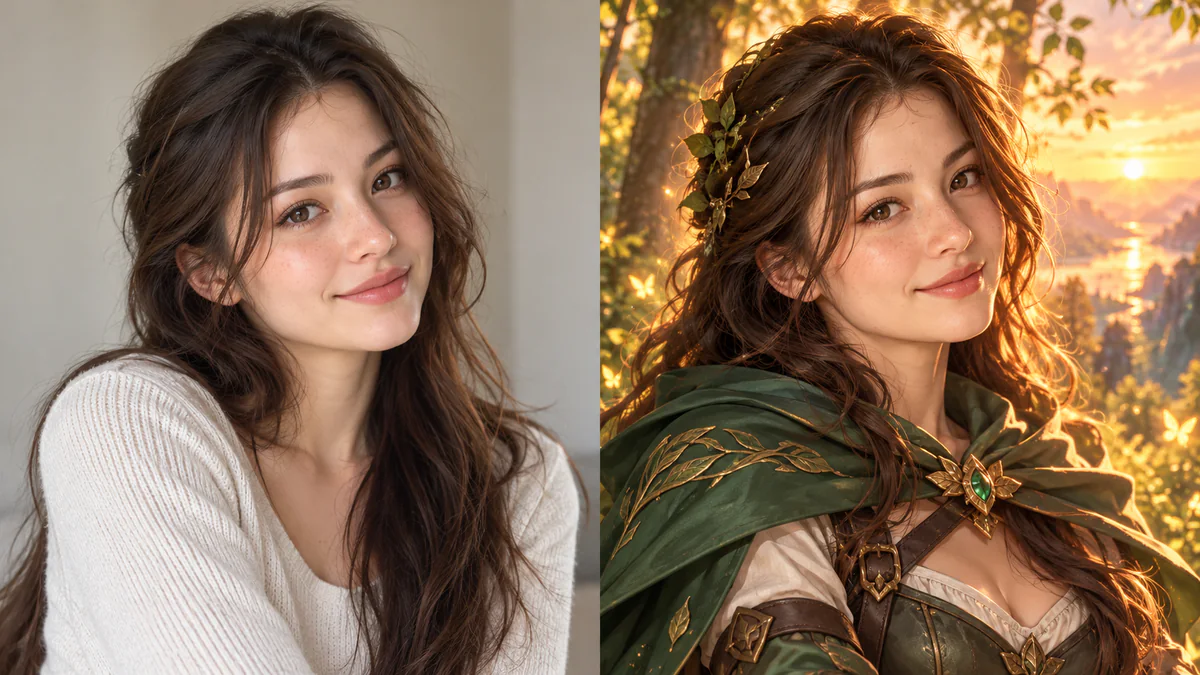
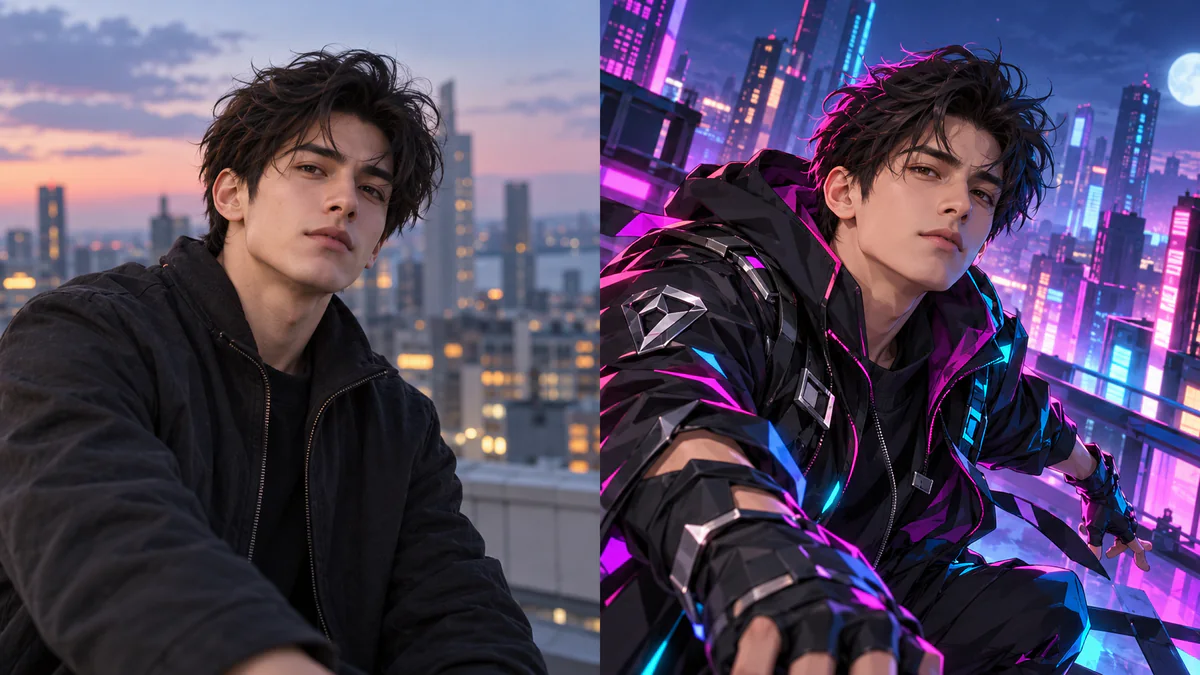
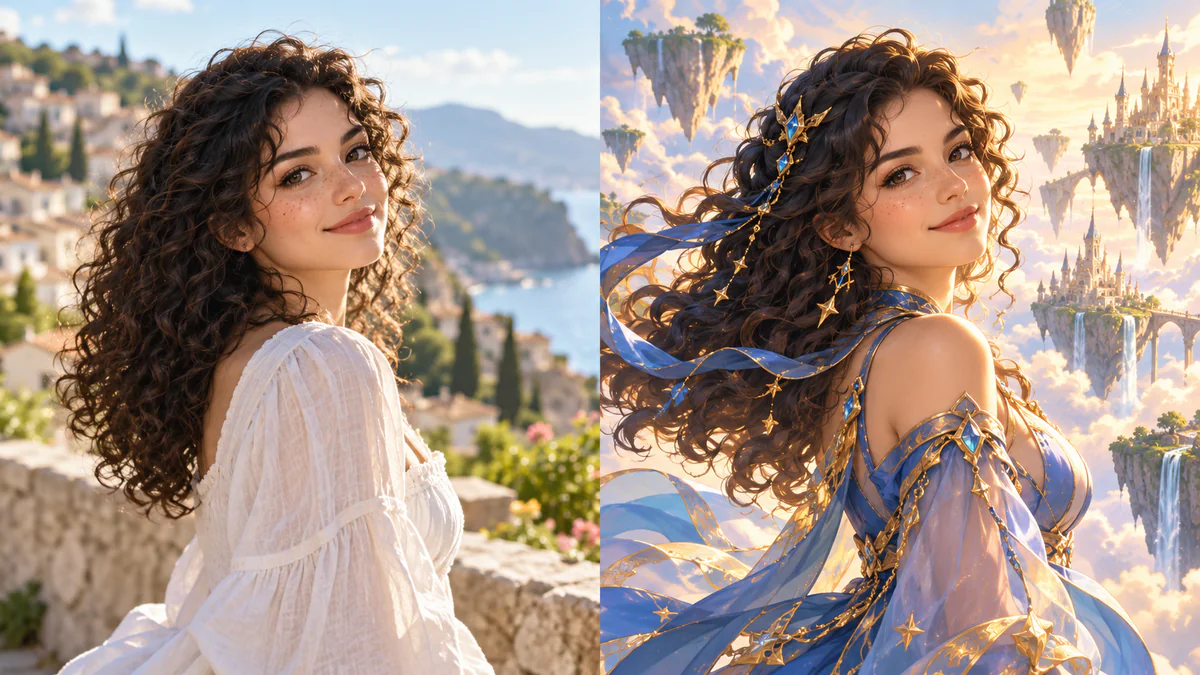
Examples for inspiration — your result will be created from your photo and description.
- Upload Photo — current step
- Describe Your Anime Image — not started
- Review — not started
Preview mode — your photo stays in this browser and is not uploaded.
Need help at any step?
Ask FaceGenX Assistant if you’re unsure what to upload, what to write or what to do next.
Step 1: Upload Photo
Upload a clear portrait or selfie. In the next step, you’ll describe the anime image you want.
Add a photo to continue
Step 2: Describe your anime image
We’ll use the person in your uploaded photo. Describe the clothing, pose, scene, background or mood you want.
0/300
Need help describing your idea?
See possible resultsThese are inspiration examples only. Your result will use your uploaded photo and the description you write above.
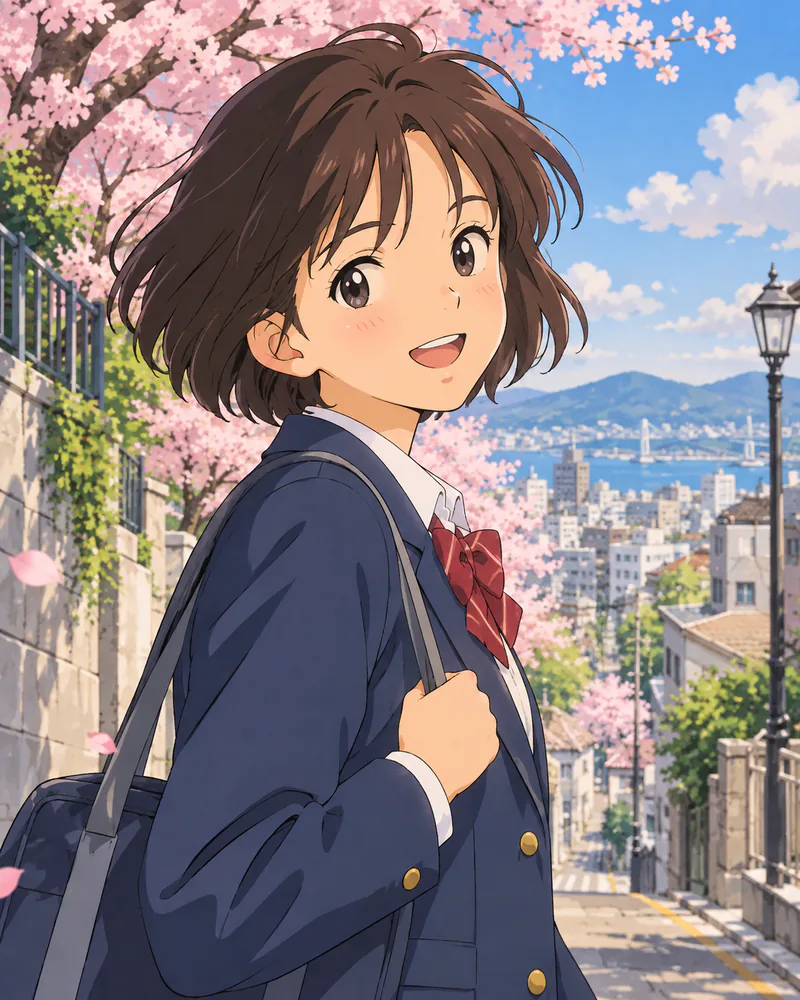
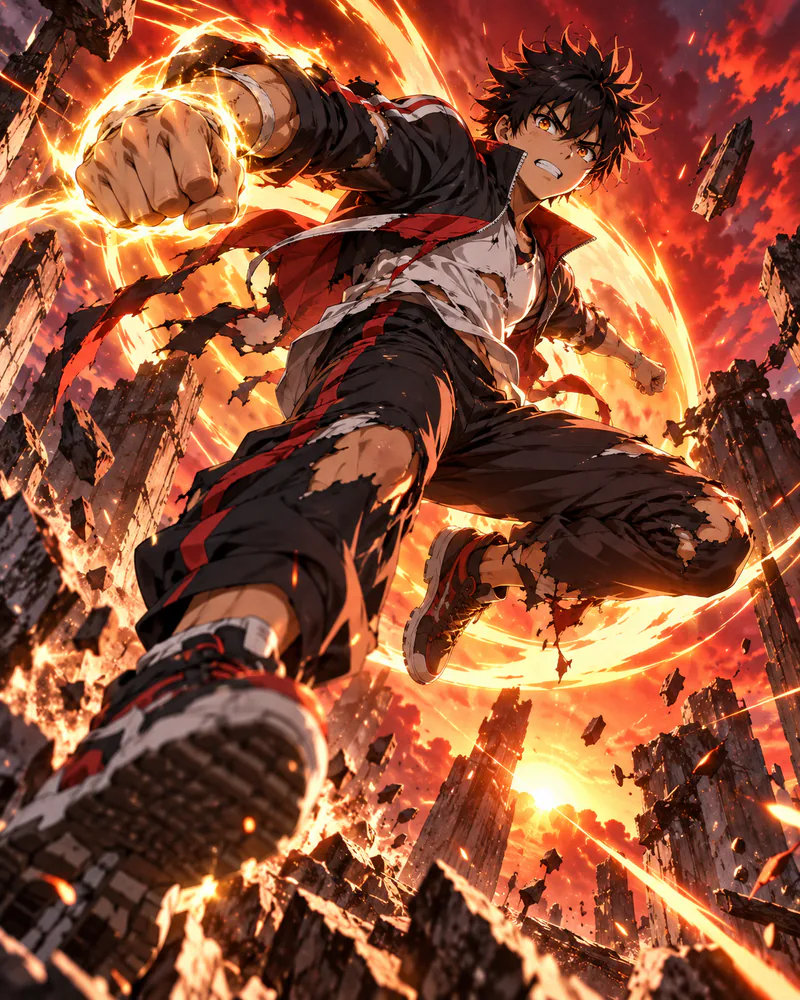
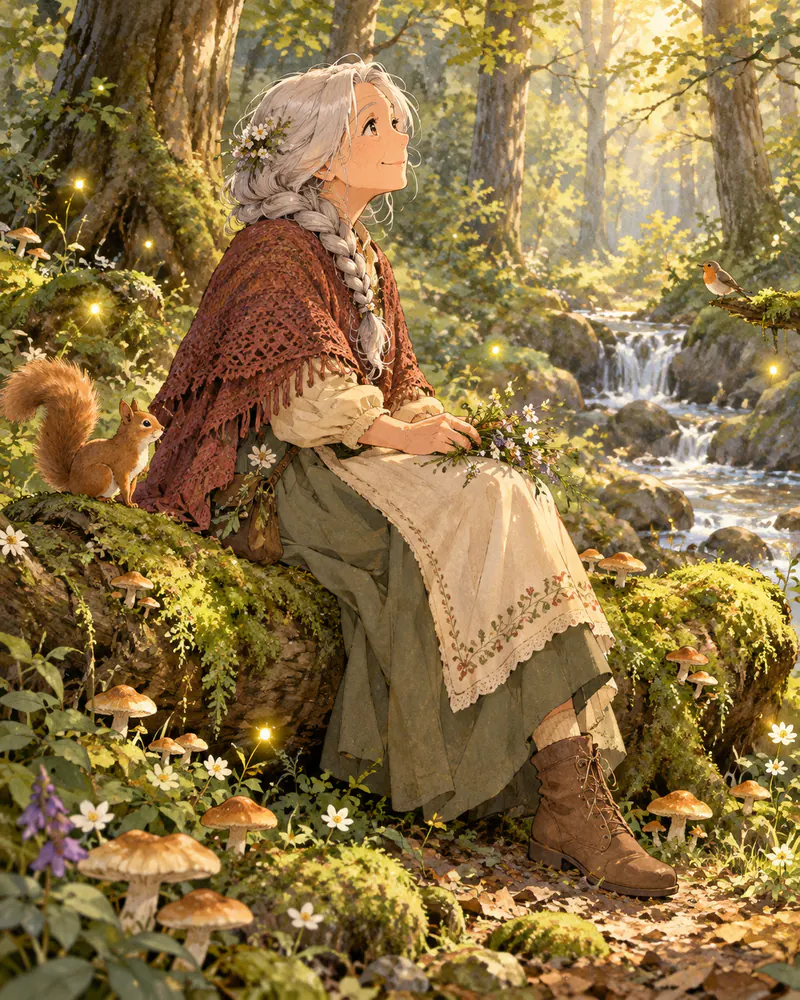
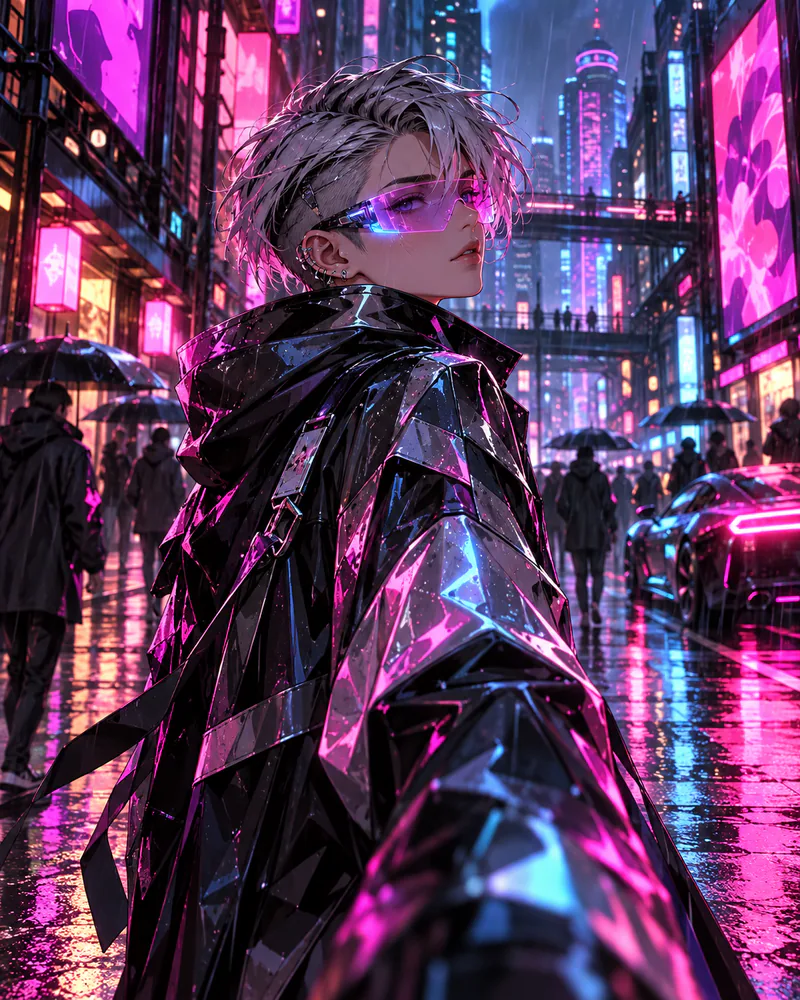
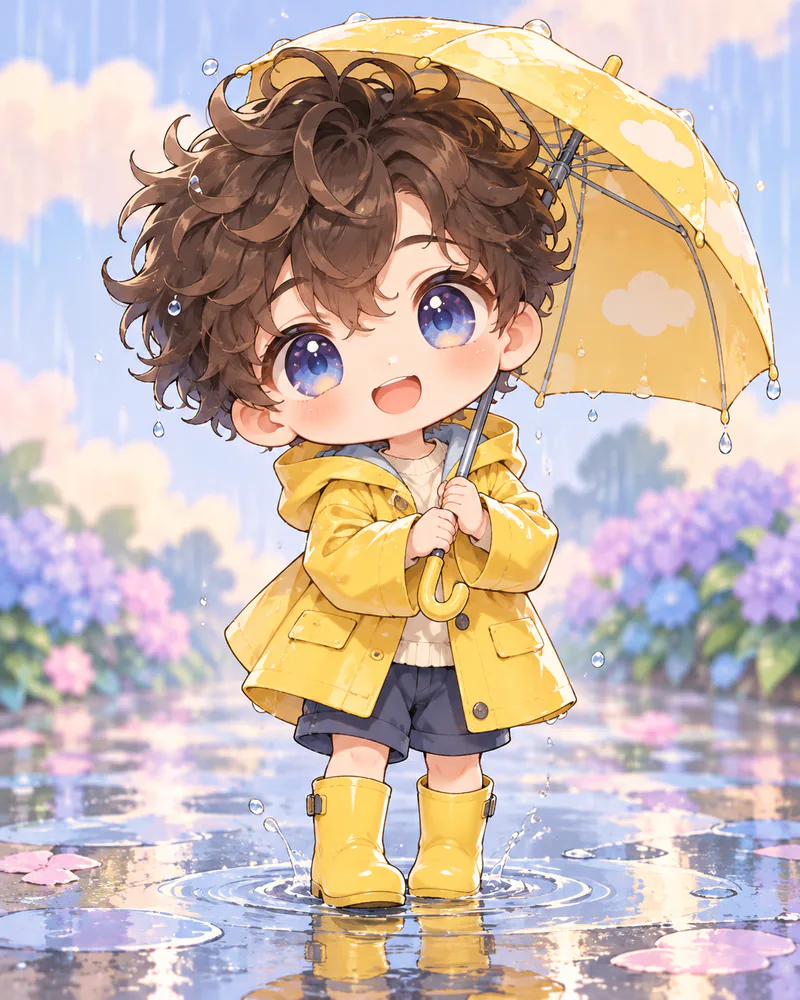
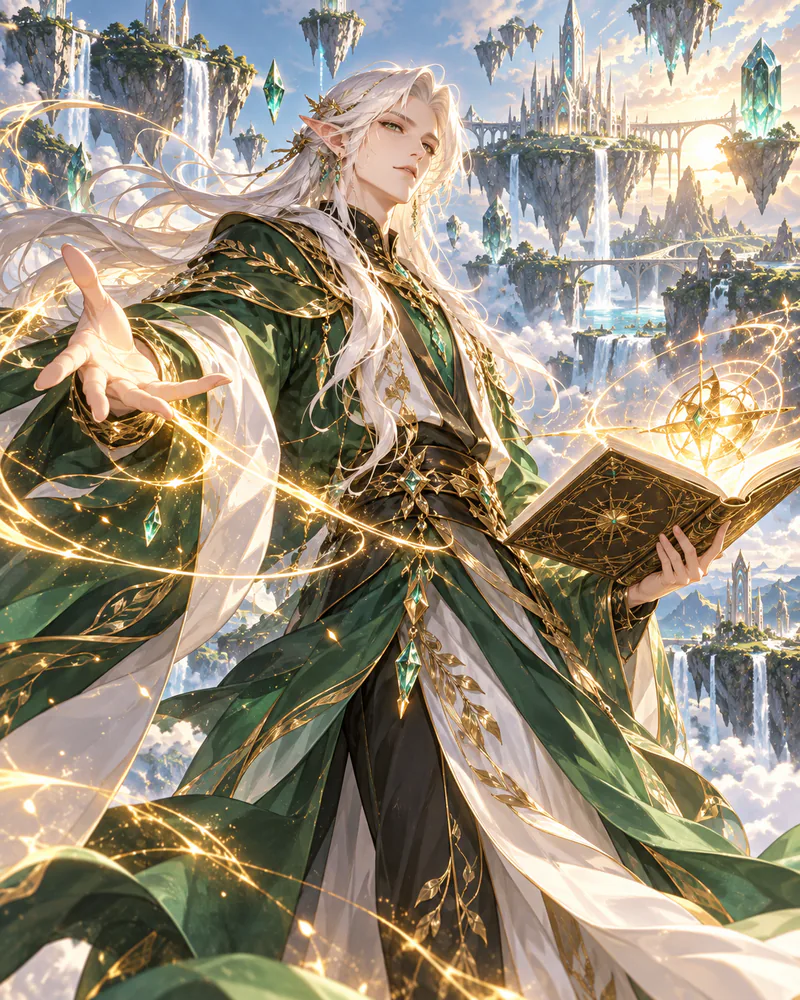
Need a different idea? Ask FaceGenX Assistant — your result is not limited to these examples.
Describe your anime image to continue